

Introducing Neptune, our new WYSIWYG blog editor
Taking your blogging experience on Hashnode to the next level
I am the Co-Founder of Hashnode. I write (about) code and keep interest in Venture Funding and startups. Feel free to contact me at sandeep@hashnode.com.
Today's a big day for us at Hashnode — and hopefully, a pleasant little surprise for you as well.
Two years since we launched our blogging platform, we've rebuilt our blog post editor from the ground up to make blogging easier, and help you create more compelling content for your audience.
It's called Neptune, and today, we'd love for you to try it.
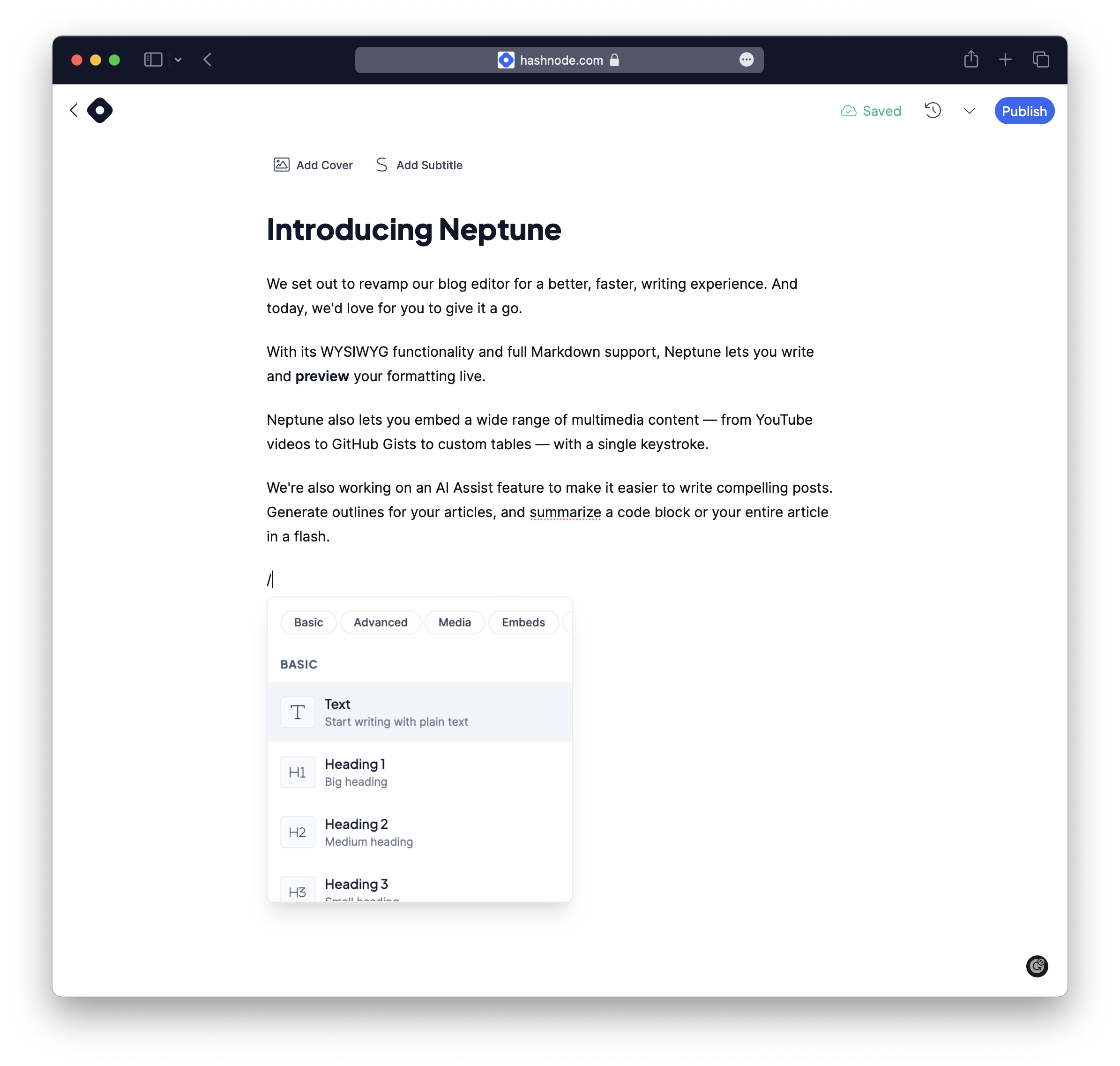
WYSIWYG editing
While we've supported writing Markdown from Hashnode's early days, we wanted to improve the experience for people who painstakingly format their posts for better readability. To that end, Neptune lets you see your formatting as you type, so there's no need to toggle between 'write' and 'preview' modes.
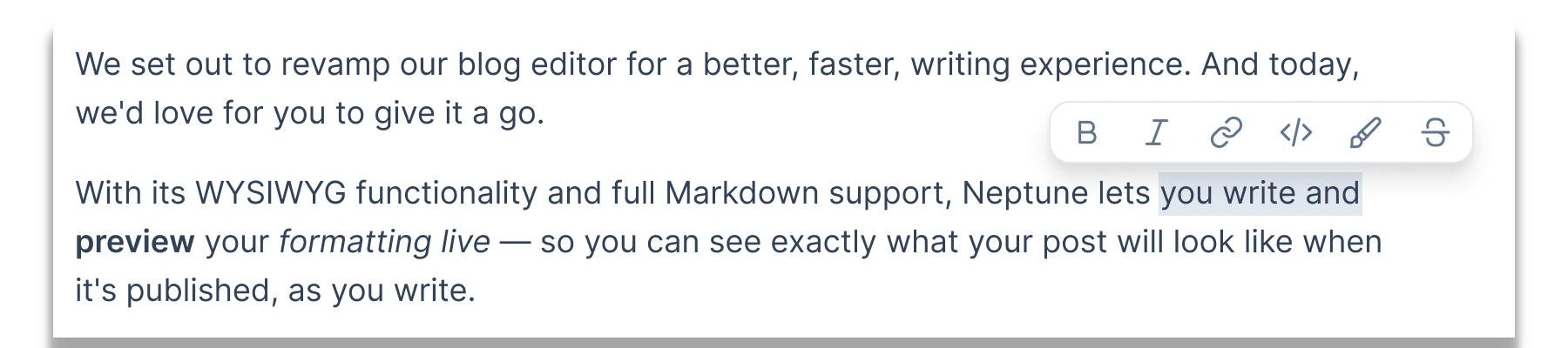
If you’re a Markdown purist, you'll be happy to know that even though Neptune is now a WYSIWYG editor, it fully supports Markdown, and adheres to the CommonMark syntax specification.
So if you write in Markdown, our editor can recognize that, and preview your formatting live. You can also directly paste Markdown content from elsewhere, switch to raw Markdown mode, and export your writing in Markdown at any time to republish using other applications.
Embed anything from around the web
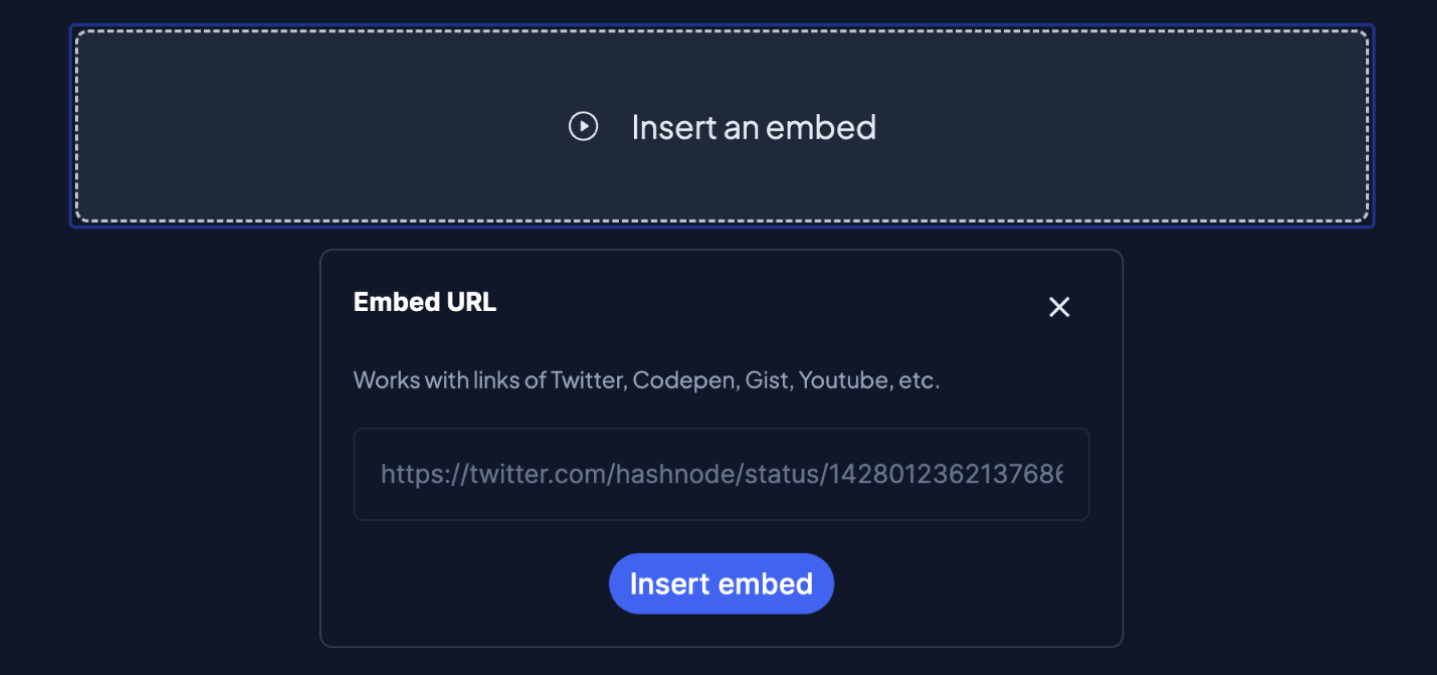
Next, we've expanded support for embedding content in your posts — and with inspiration from Notion, we've made it as easy as hitting the backslash key.
You can easily drop in tweets, YouTube videos, GitHub Gists, and RunKit notebooks, to name a few. Plus, custom HTML, tables, and LaTeX are now first class citizens, so they work like a charm in Neptune.
These features are all available for you to play with in our public beta, starting today. We'd love to hear what you think of it, and how we could improve it.
AI-powered writing assistance
That's not all, though. We're working on an AI Assist tool to make it easier to write compelling posts. So far, it works great for generating outlines for your articles, or summarizing your entire post in a flash. We'll fine-tune those features and add a few more before opening it up to more of you to try.
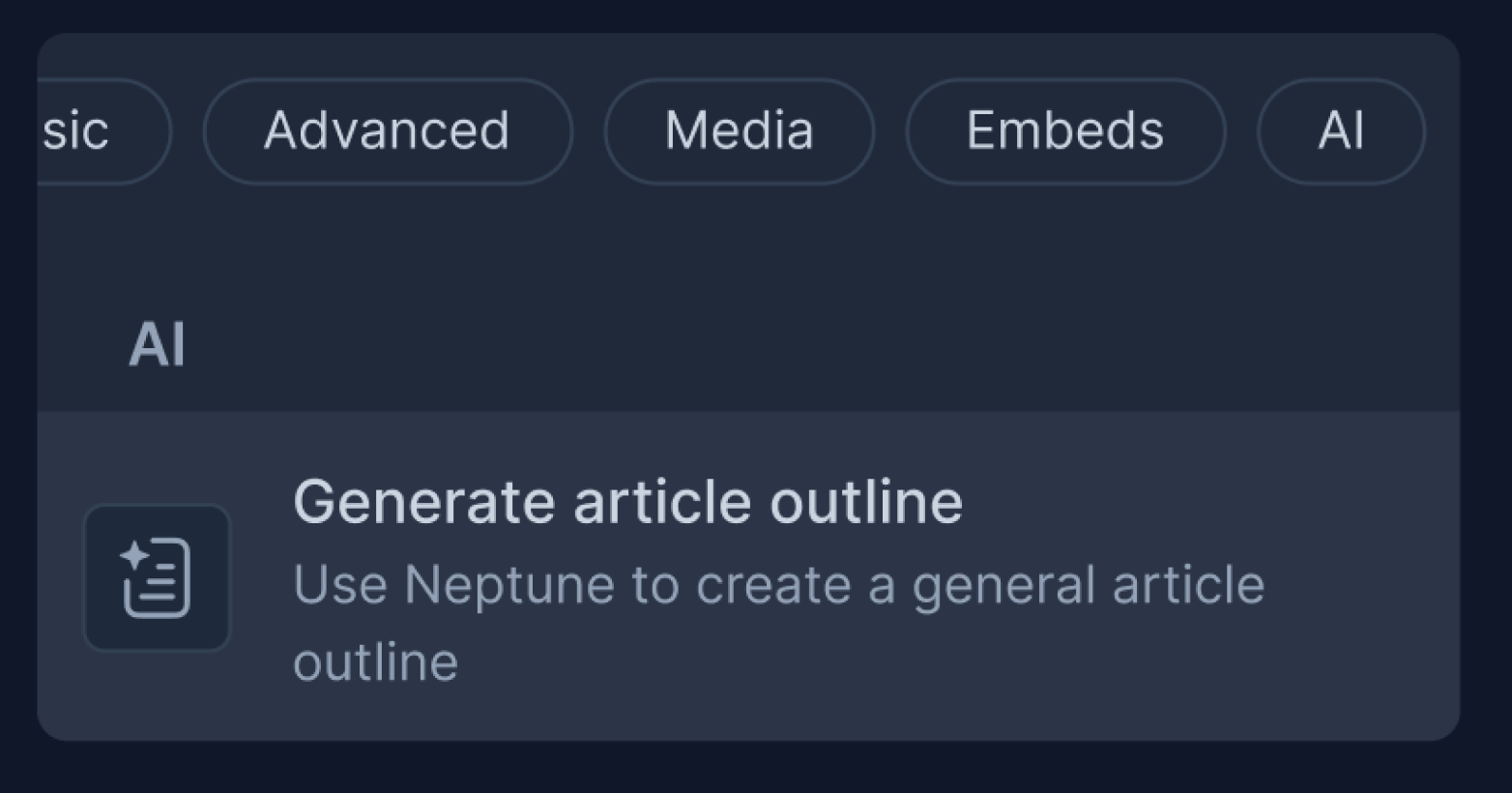
The alpha version is currently in testing with a handful of testers, and we can't wait to share it with you in the coming weeks to hear your feedback.
This is more than just a product update for us. The work that's gone into Neptune represents our broader vision of democratizing content creation for people in tech.
By enabling our audience to create more memorable content, we hope to make it easier for everyone to share valuable insights in this space — and help foster a vibrant global community that we're fortunate to be a part of.
Give Neptune a go, and let us know what you think on Twitter. Oh, and you can also join the conversation about Neptune on Product Hunt.




![[Changelog]: New additions to Docs by Hashnode, new design components and bug fixes.](https://cdn.hashnode.com/res/hashnode/image/upload/v1728048920904/8f588270-5d7f-4082-b431-35cab56747ed.png)